

The shared band Google Drive (and its one password)
One shared login, one person fielding Authenticator requests, folders nobody dares reorganise. Why a shared drive fails bands, what it costs you, and what a band workspace does instead.
By @KHeavy · Updated 1 August 2026
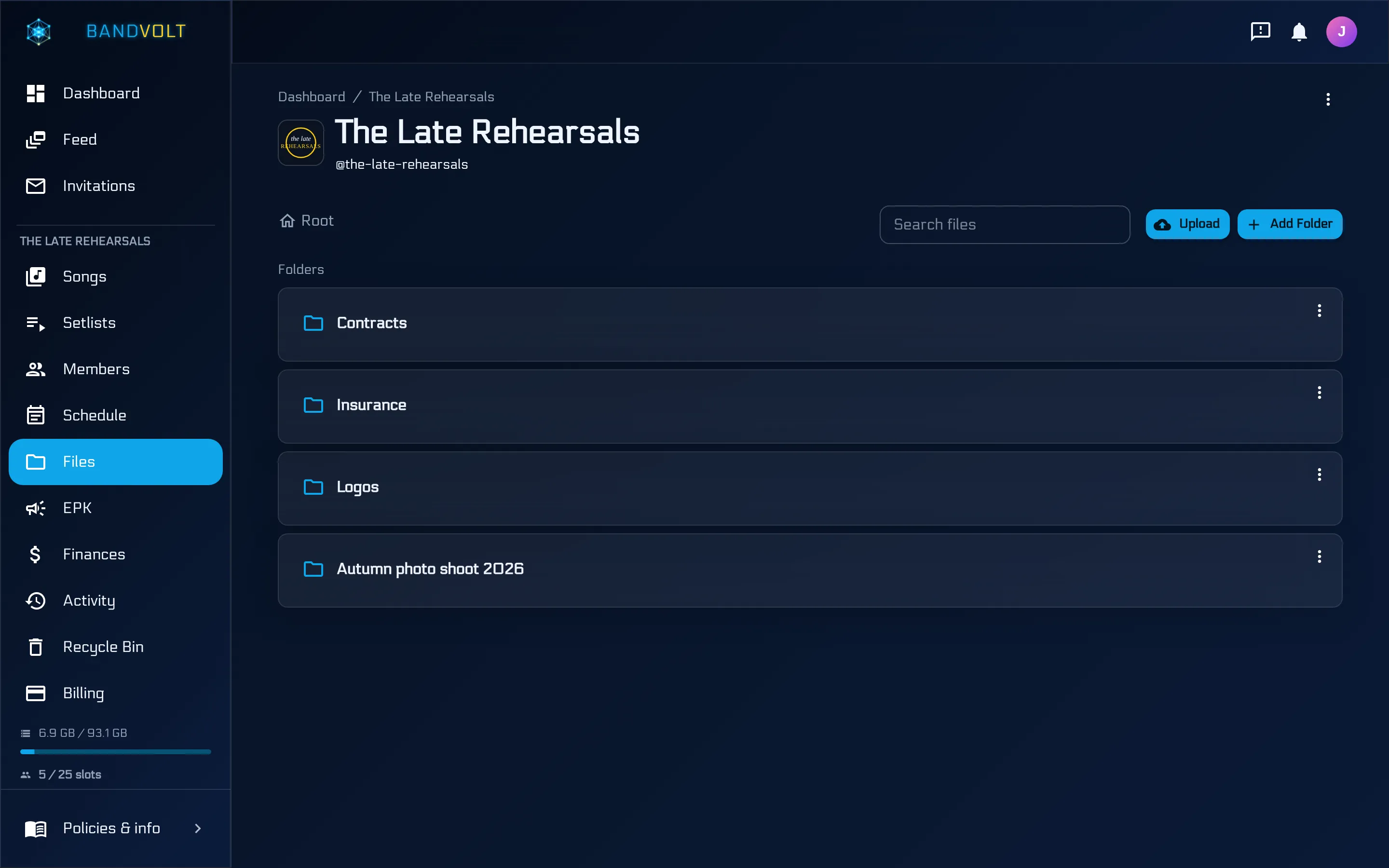
The short answer: a shared drive on a shared login gives the whole band one identity - one password in the pinned message, one phone getting the two-factor prompts, no way to remove a former member without locking everyone out. A band workspace gives each person their own account with access you can grant and revoke individually. BandVolt does exactly that, free on the Basic tier.
At some point most bands create it: [email protected]. One Drive, one password, pinned in the group chat. It feels organised. For a while, it is.
Then the cracks show up - and they are all the same crack: five people, one identity.
”Can someone approve my login?”
Turn on two-factor authentication - which you should, because the password is sitting in a group chat - and every sign-in from a new device fires a prompt at whichever phone the account considers home. The drummer is at work; the singer is at the studio trying to open the stems; the chat fills with “can you approve the Authenticator request?”
Skip two-factor and you have a shared password protecting your band’s entire catalogue. Neither option is good, because the real problem is upstream: it should never have been one account.
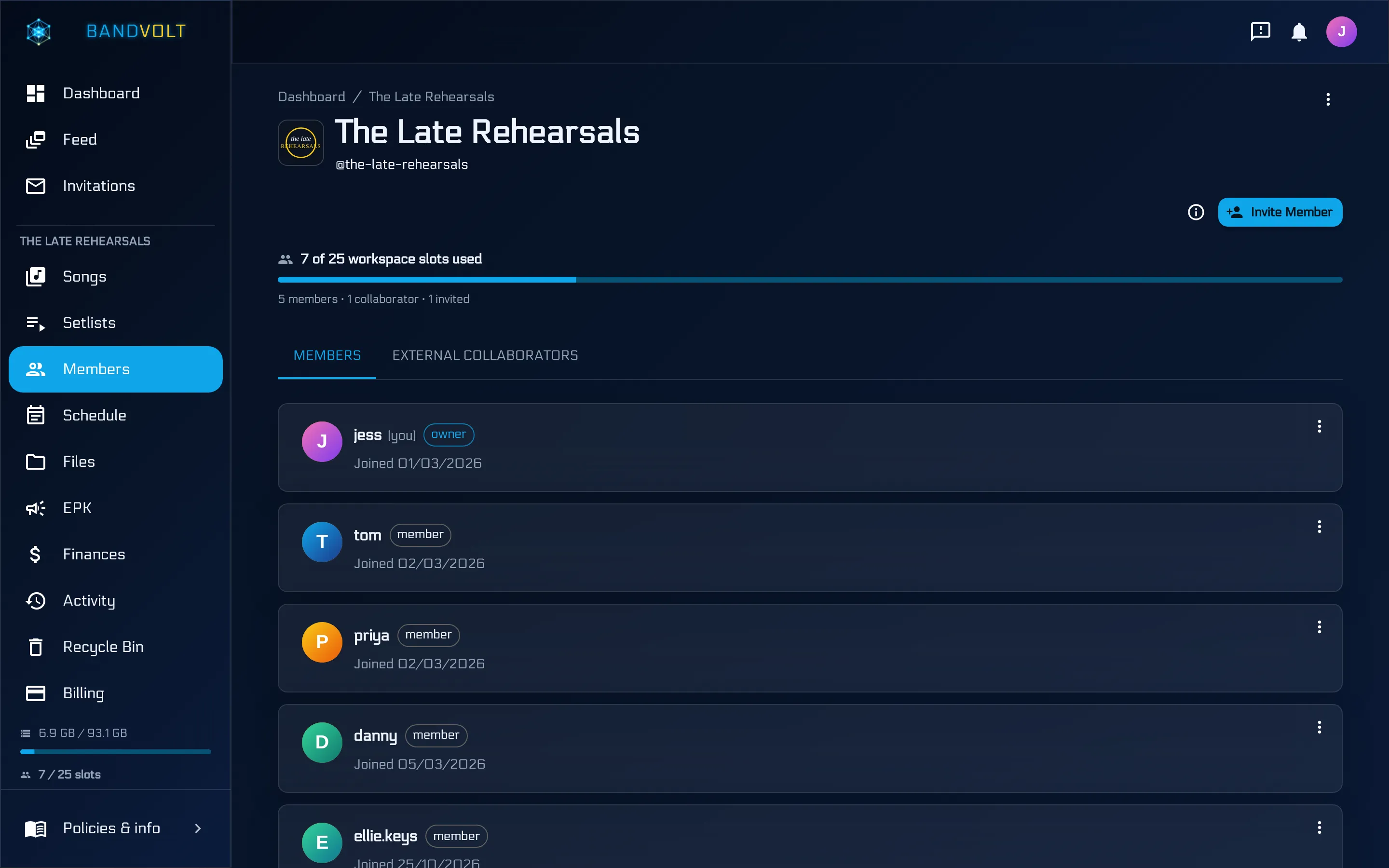
In BandVolt, every member has their own login. Nobody approves anyone else’s sign-in, and nobody’s personal Google account is welded to the band.
When someone leaves the band
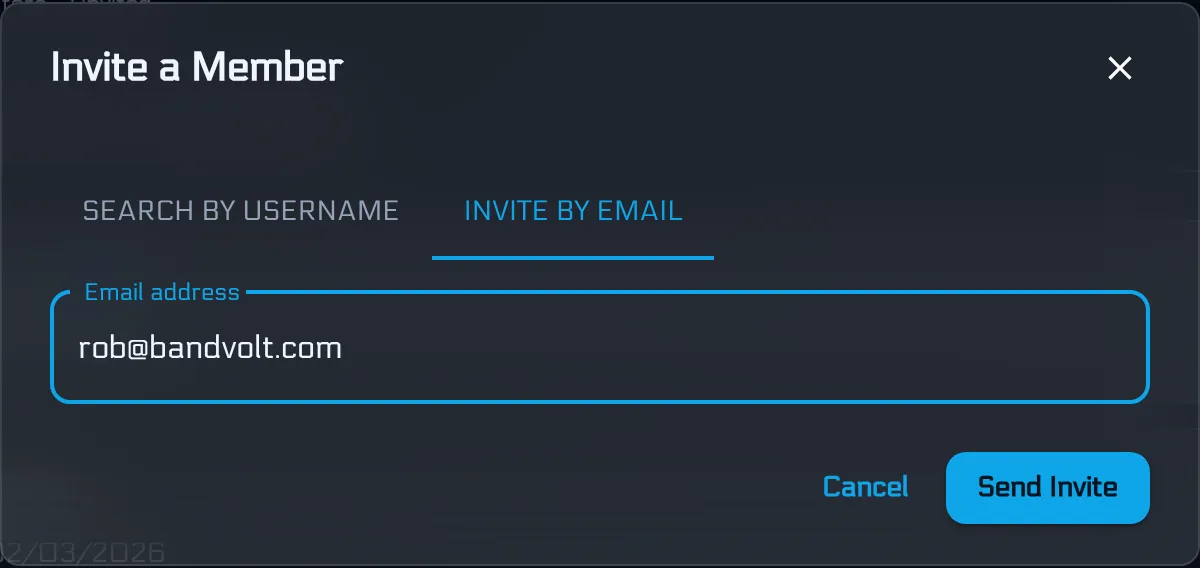
Lineups change. With a shared login, an ex-member walks away knowing the password to everything - so now you rotate it, re-pin it, and re-break everyone’s saved sessions. With individual accounts, you revoke one person’s access and you are done. Invites work the same way in reverse: the new bassist gets their own account by email, not the keys to a shared identity.
This is worth thinking about before it happens rather than after. Lineup changes are rarely tidy, and the moment you most want clean access control is the moment you are least likely to want a conversation about passwords.
A drive doesn’t know what a song is
Even with the login solved, a drive is a filing cabinet. It cannot tell Anthem_final.wav from Anthem_final_v2_ACTUAL.wav, it plays audio through a bare preview player, and feedback happens somewhere else entirely. One well-meaning tidy-up of the folder structure and every link the band ever shared points at nothing.
A band workspace is organised by what things are: songs with labelled, dated version histories and waveform playback; comments pinned to the second they refer to; setlists, calendar, and finances alongside. There are still folders for the rider and the press shots - but the music is not filed, it is versioned.
The five things a drive cannot do for music
Concretely, and in the order they usually bite:
- Tell you which mix is current. Sorting by name puts
v10beforev2; sorting by date breaks the moment somebody re-downloads a file. - Keep feedback attached to the audio. Drive comments attach to a file, not to 1:47 inside it - and they vanish entirely when a new file replaces the old one.
- Play back properly. A preview player with a scrub bar is not a tool for judging a mix, and it certainly cannot flip between two versions at the same position.
- Survive reorganisation. Every shared link is a pointer to a location. Move the file and the link the promoter has is dead.
- Tell a mix from a stem. In a folder, the bounce, the stems, and last month’s stems are all just files sitting next to each other. On a song, the versions are a history and the stems are a labelled list.
None of these are Google’s fault. Drive is a good product built for documents. A band’s music is not a document.
The cost nobody counts
The hidden expense of the shared-drive setup is not storage. It is the recurring five minutes.
Five minutes finding the right file. Five minutes explaining which version is current. Five minutes approving a login. Five minutes re-sending a link that broke when someone tidied a folder. Five minutes reconstructing which notes had already been dealt with.
None of it feels like a problem in the moment - it is always just five minutes - and collectively it is the reason a song takes four months instead of six weeks. We went through the wider version of this in the hidden cost of stitched-together tools.
Where a drive is still fine
Lyric documents, admin spreadsheets, the poster your mate designed - a personal drive handles general documents well, on your own account. It is the shared login and the music that need to move.
A reasonable split, if you want one:
- Cloud drive, personal account: lyrics, contracts, artwork source files, spreadsheets, anything that is really a document.
- Band workspace: songs and every version of them, mix feedback, stems, setlists, the calendar, the rider, the finances - everything where “which one is current” or “who said what” is a question anyone might ask.
Moving over without a big migration
You do not need a project plan for this. What works:
- Start with the songs in flight. Upload the current mix of whatever you are actively working on. Not the back catalogue.
- Point the next round of feedback at the new place. One message: “notes on this one go on the waveform, not the chat.”
- Add the recurring documents as you need them - the rider the next time you play, the press shots the next time someone asks.
- Bring the archive over when it is convenient, or never. Old finished songs are not costing you anything sitting where they are.
The shared login is the one thing worth doing deliberately rather than gradually: get everyone their own account first, because that is the piece that gets awkward if you leave it.
Give every member their own key - free on the Basic tier, no credit card required.
Frequently asked questions
Is Google Drive good for bands?
It is good at what it was built for - storing and syncing documents. It is a poor fit for a band's music, because it has no concept of a song, no version history you can trust, no way to pin feedback to a moment in a track, and no per-member access when the band is sharing one login.
What is wrong with a shared band email account?
It gives five people one identity. Two-factor prompts land on one person's phone, the password sits in a pinned chat message, and when someone leaves the band they still know the way into everything. Individual accounts with per-person access solve all three at once.
Where should a band store its music files?
Somewhere organised by song rather than by folder, that keeps every mix as a labelled version, plays audio back at full quality, and keeps the feedback attached to the track. Generic documents - lyrics, spreadsheets, posters - are fine in a normal cloud drive on someone's own account.
Does BandVolt compress our audio?
No. Files are stored and played back exactly as uploaded, at full original quality, and that same file is what your band downloads. Storage is 1 GB on the free Basic tier and 50 GB on Premium, expandable with add-on packs.
Topics: Google Drive alternative for bands · band file storage · shared band folder