

How to make a free EPK for your band
Free EPK maker: create the band, add songs, photos and gigs, then publish your-band.bandvolt.com/epk. Free on every BandVolt tier.
By @KHeavy
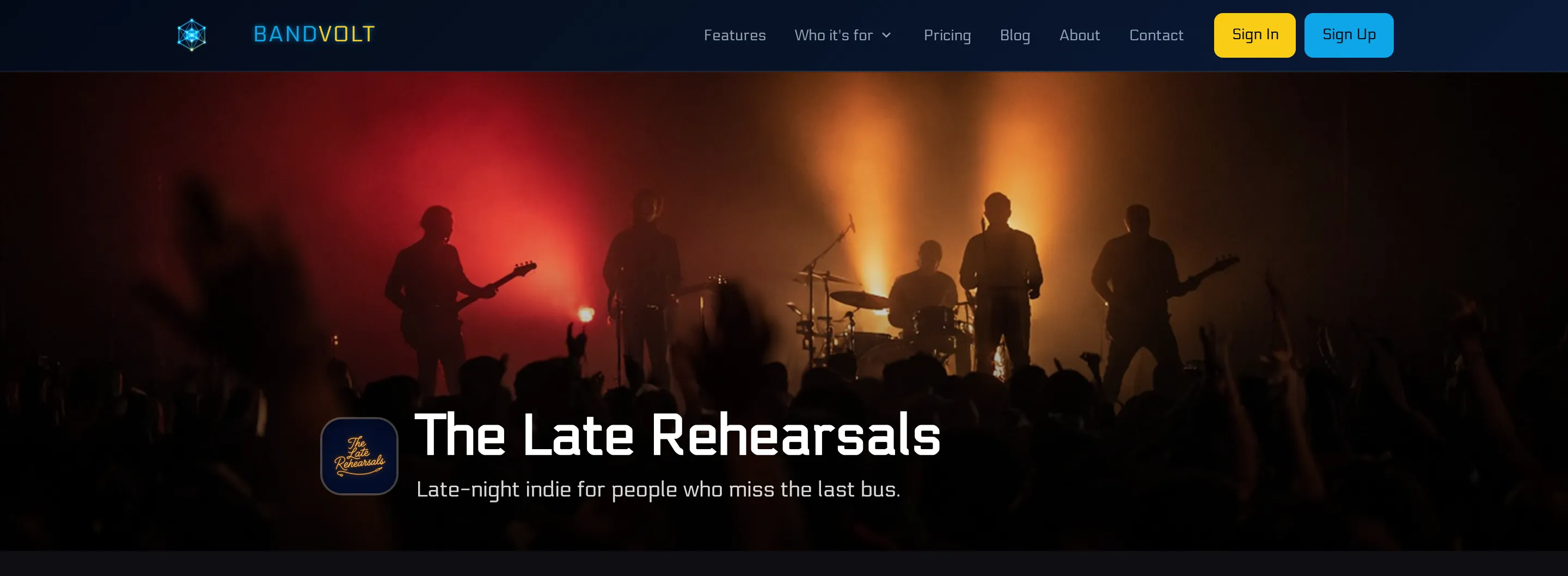
A booker wants an EPK, and the band does not have one. The songs are still files on one laptop. The dates are in a chat. The logo is a picture someone saved in March. Starting from there is a different job from “we already keep everything in one place, we just need the page”.
The short answer: BandVolt’s free EPK maker takes you from a new band to a published press kit, and the page is free on every tier. You create the band, add a logo, upload the songs and choose the mix that plays, put the gigs on the calendar, then fill the EPK and publish it. The link is your-band.bandvolt.com/epk. That is how to make an EPK for free, and you can create an EPK for free on Basic or on Premium. The page stays free if the band later upgrades. If you are choosing between tools first, free EPK makers compared sets BandVolt next to EPK Builder, StageOS, Tunepact and Bandzoogle.
More bands publishing a press kit with BandVolt are on the live EPK examples page.
The film at the top is that whole path, just under six minutes, with a fictional band. This post is the same path in writing. What a promoter actually reads once the page exists is in what to put in a band EPK.
A pipe band, a brass band, a marching band or a community band uses the same steps. One page for a contest secretary, a festival or a promoter. The address is the band’s name.
Create the band
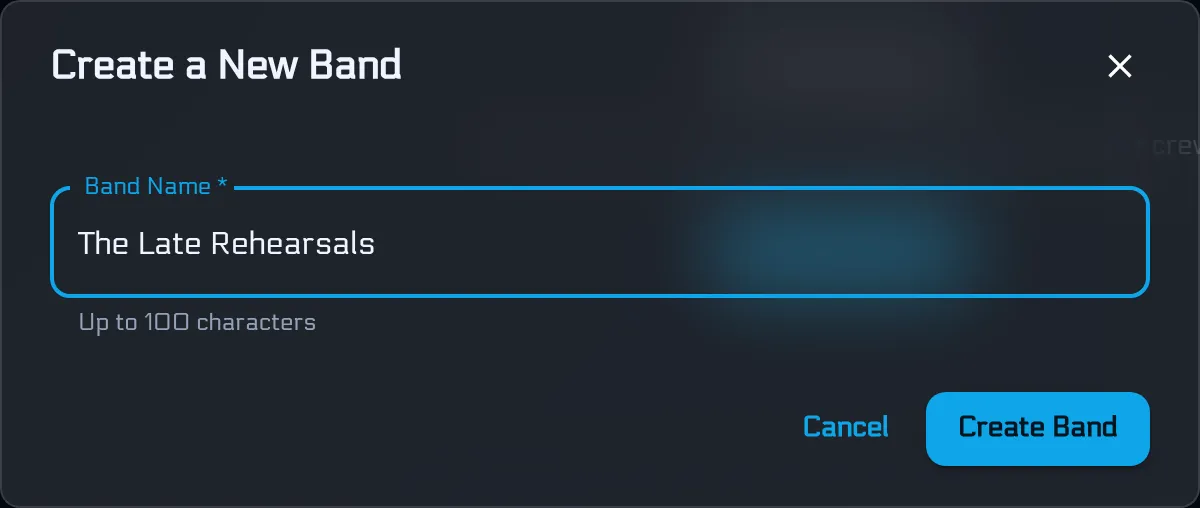
From the dashboard, Create a Band. The name you type is the name on the press kit, and it is what the public address is made from.
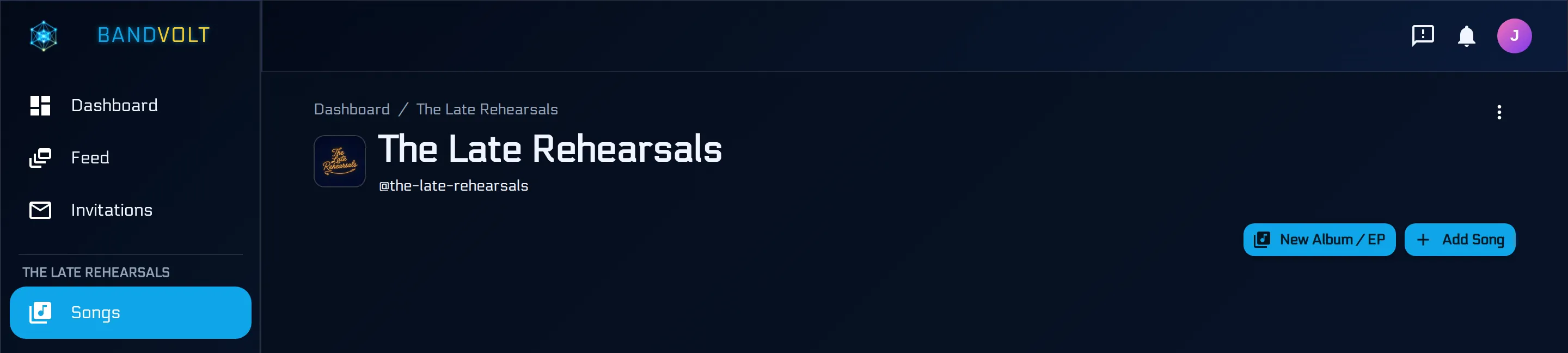
Open the band. Edit Band, and add the logo. It sits beside the name on the public page, so use the mark you would put on a poster.
Add the songs, and pick the mix
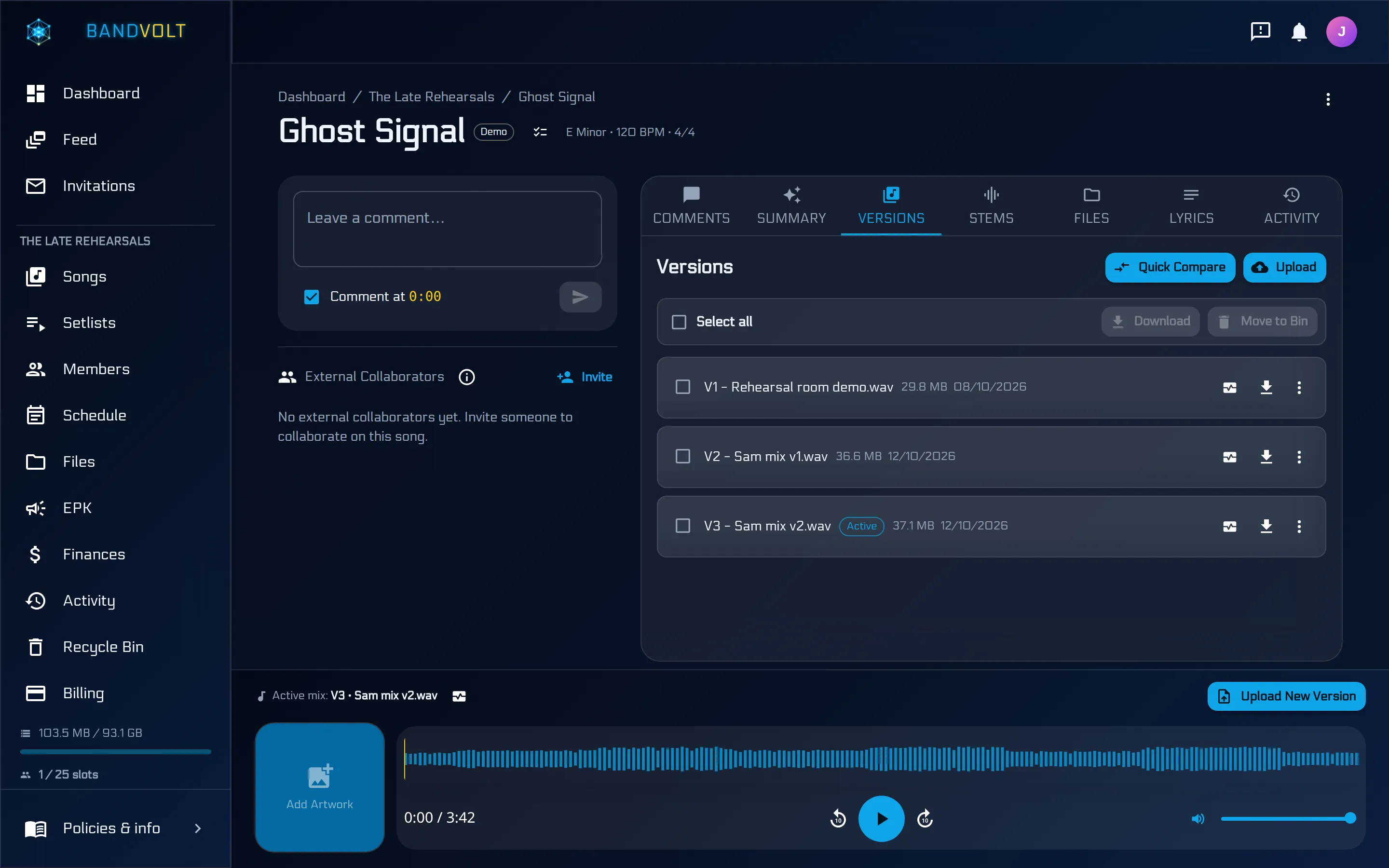
Add Song for each track you want a booker to be able to hear. On the song, upload the first mix. It plays as soon as it has finished uploading. Drop later mixes in the same way: each one is a new version, and the earlier ones stay.
Then set the best take as the active mix. That is the one the press kit plays, unless you later pin a different version on the EPK itself. Do the same for the other songs. Two or three strong tracks is enough for the page. You can keep the rest in the library.
Put the gigs on the calendar
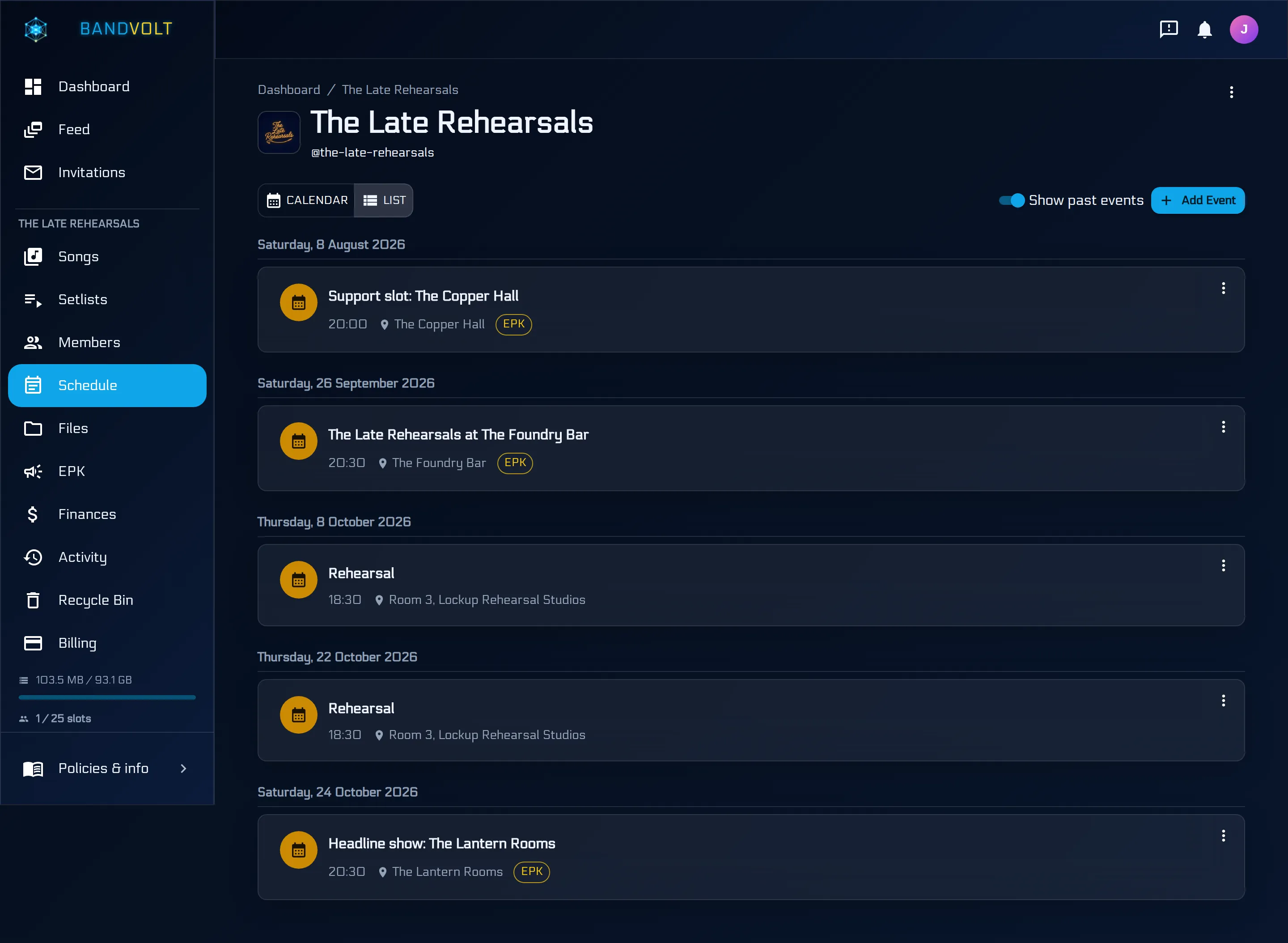
Add the shows on Schedule. On a gig you are happy for the outside world to see, switch on Visible on EPK. Leave it off for a rehearsal. A private room booking does not belong on a press page, and the switch is how you keep it off.
Past dates count as well, if you want a booker to see that you have played. Add them, and flag the ones that should be public. List view shows older dates once Show past events is on. The gigs with an EPK chip are the ones the press kit can pick up. The rehearsals in this list have no chip.
How those dates get onto the calendar in the first place is in the gig nobody put in the calendar. The calendar itself is the shared band calendar.
Open the EPK and write the bio
EPK is in the band navigation, with Songs and Schedule. On a phone it sits under More.
The Bio card has three fields. The tagline is one line under the band name. The bio is the press copy, two or three short paragraphs. The elevator pitch is one or two sentences, and it leads the About section on the published page. Type them and Save. Nothing on this card reaches the page until that section is saved.
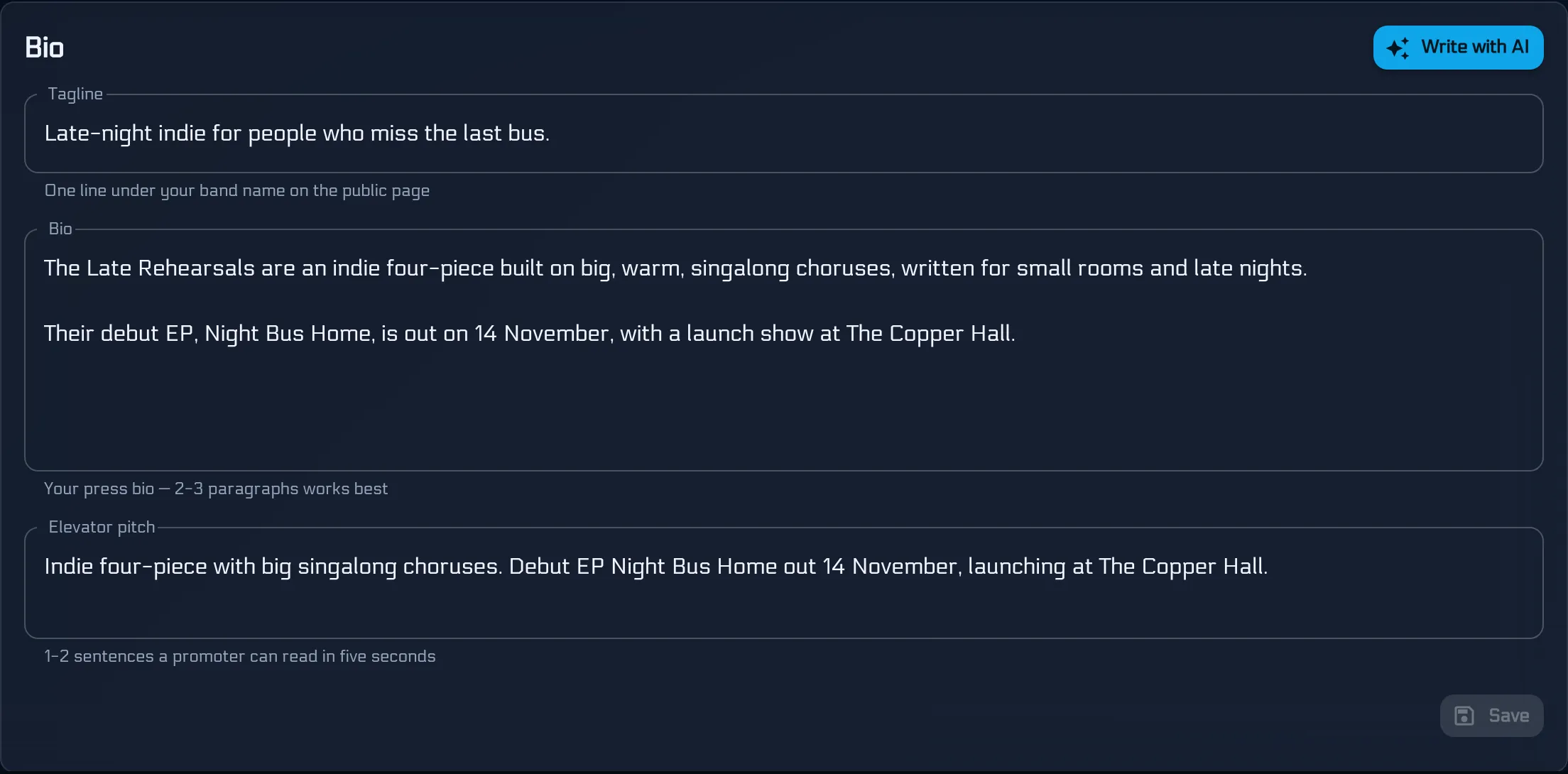
Write with AI is on the same card if the blank box is the part that stalls the band. It opens Write Bio with AI. Put in the facts: where you are from, what you sound like, releases, shows worth naming. Bullet points are fine. The writer uses only those facts. Pick a tone: Professional, Energetic or Casual. If a bio is already there, you can write a new one or polish the current one and fold the new facts in.
Generate costs 2 Volts. The button says so, and a regenerate is another 2 Volts. Basic bands get 10 Volts a month, Premium bands get 200, and the writer is on both tiers. The draft comes back as a bio, an elevator pitch, and taglines you can pick. Edit it, then Save Bio. Read it first. The draft can be wrong, and the page should sound like the band.
Skip the writer and type the bio yourself, and this step costs nothing.
Feature the tracks
On Music, Add Songs and tick the tracks a promoter should hear first. They have to be songs that already have a mix. You are not uploading the audio again. Drag the rows so the strongest is first. The player on the public page opens on that one, and each track follows the song’s current active mix unless you pin a version.
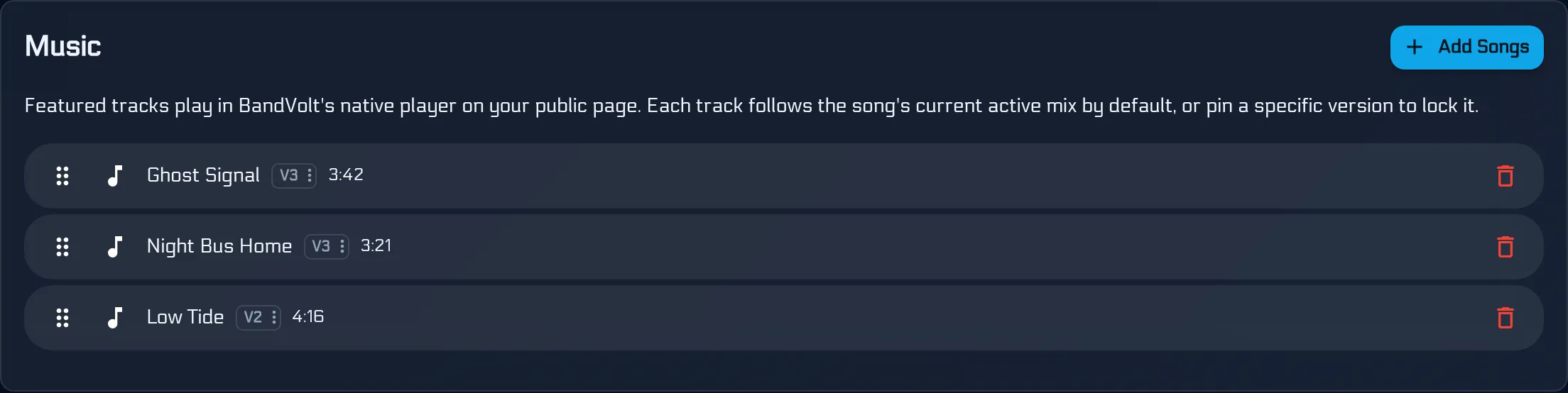
They play in the page. A promoter does not leave it for another app. This is a press page, not the record in order. When the pitch is the EP itself, that is a different link, in how to send your EP to a label. One song on its own is a share link.
Photos, video, quotes and links
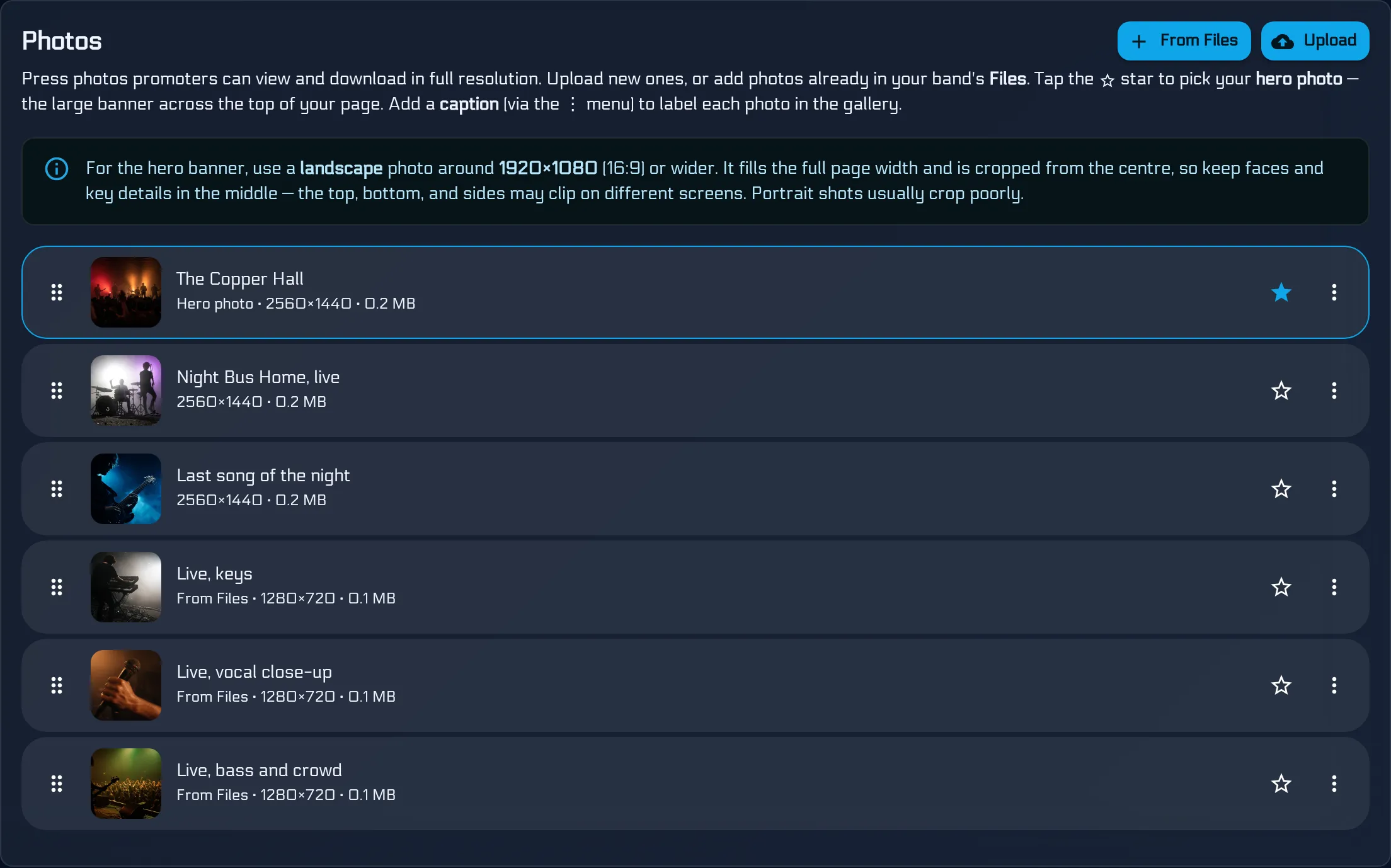
On Photos, drag in the press shots, or use Upload. Star one as the hero. That is the banner behind the band name. A landscape picture works: the banner fills the width and is cropped from the centre, so keep faces in the middle. From Files adds pictures already in the band’s Files, without uploading them again. A caption, from the menu on each photo, labels it in the gallery.
Videos takes a YouTube URL and an optional title, then Add Video. Live footage belongs here. Press Quotes is the line and who said it, then Add Quote. Links is where people can listen and follow: pick a platform, paste the address, Add Link.
None of those three is required. A bio, a few tracks and a photo already make a page someone can use.
Pull the shows in, and add a way to reply
Upcoming Shows has one switch: show upcoming dates from the band schedule on the public page. Only gigs marked Visible on EPK appear, up to ten upcoming. Previous Shows does the same for recent dates, and visitors land on upcoming first. Turn the switch on and the link you already sent picks up a new flagged gig. You are not keeping a second list of dates.
Contact is the booking email and a phone number. Save that section. One inbox that someone actually checks is enough.
Preview, choose a look, and publish
Preview, above the cards, shows the page before it is public.
Appearance is the theme and an accent colour: BandVolt, Light or Dark. Page Sections is the order of the blocks, and you can hide one. Drag, save, and preview again if you want the photos above the bio, or the other way round.
Publishing needs a bio or at least one track. An empty page will not go out. When it is ready, the switch on Press Kit Page turns the page on. Copy Link puts the full address on the clipboard, including https://. The shape is the band’s name, then .bandvolt.com/epk. View Page opens it once it is published. Where to put that link is in your band EPK link.

Anyone with the link can open a published page. They do not need an account. Any member can change the bio, the tracks, the photos, the contact and which gigs are flagged later. The same link shows the current page, and the same switch takes it offline when a lineup or a release is mid-change.
Before you send it
Open the link yourself, on a phone, signed out.
- The first track plays.
- The tagline is one line a stranger understands.
- The booking email is an inbox someone checks.
- The dates are shows you still mean.
- The address in the email is the one Copy Link gave you.
The free EPK maker is that page, on every tier. The band, the songs, the gigs, then one link you can say out loud.
When you are ready, sign up free and publish your press kit.
Frequently asked questions
Is a BandVolt EPK really free?
Yes. Building, publishing and sharing the press kit is free on every tier, Basic and Premium. Anyone you send the link to can open the page without an account. The only optional cost is the AI bio writer, at 2 Volts a generation. You can write the bio yourself and spend nothing.
How long does it take to make an EPK?
The filmed walkthrough runs just under six minutes, from an empty account to a published page. Doing it with your own songs and photos takes as long as those uploads. After that, the press kit is one pass down the EPK tab.
Do I need a website for an EPK?
No. BandVolt hosts the page at your-band.bandvolt.com/epk. Copy that link from the Press Kit Page and send it. A promoter opens it on a phone or a computer with no BandVolt account.
Can I edit the EPK after I publish it?
Yes. Any member of the band can change the bio, the tracks, the photos, the contact and which gigs are visible. The link you already sent shows the current page. The same publish switch takes the page offline again, and Preview shows it before you publish.
What does the AI bio writer cost?
2 Volts each time you generate a draft, including a regenerate. Basic bands get 10 Volts a month and Premium bands get 200. You review and edit the draft, then save it onto the page. Writing the bio yourself costs nothing.
Topics: free EPK maker · how to make an EPK for free · create an EPK for free · band EPK · electronic press kit