

Export song data as Markdown - take your archive home
Download comments, AI mix summaries, Mix Health scores, and activity as Markdown, then bulk-download mixes, stems, and files - so backing up a song to your own drive is a few clicks.
By @KHeavy
Cloud tools are great until you want a copy that lives on your disk. Years of mix notes, decision history, and health scores should not vanish the day you need a local backup, a label handoff folder, or a cold archive of a finished EP.
The short answer: open any song, choose Export data, and download Markdown for comments, mix summaries, activity, and Mix Health. Pair that with Select all → Download on mixes, stems, and supporting files, and you can put a full song archive on physical storage in minutes - without leaving BandVolt empty.
Your song has two kinds of memory
The audio is obvious: mixes, stems, charts, lyric sheets. Those already download at full quality, one file or many.
The other memory is harder to grab from most tools - the conversation and the numbers around the track:
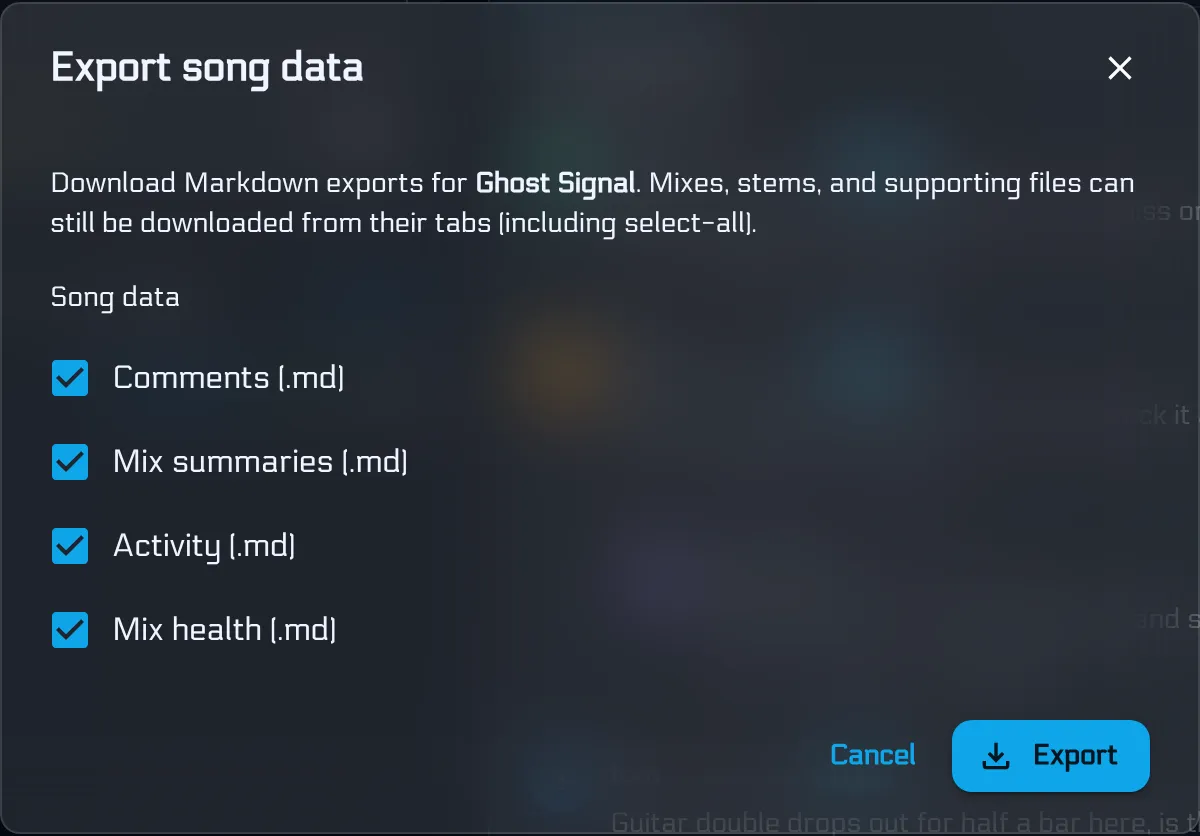
- Timestamped comments and reply threads
- AI Mix Summaries with action checklists
- The activity timeline (who uploaded what, when)
- Mix Health scores, metrics, breakdowns, and guidance per mix
That second pile is what Export data is for. It turns those records into plain Markdown you can keep next to the WAVs.
What lands on your machine
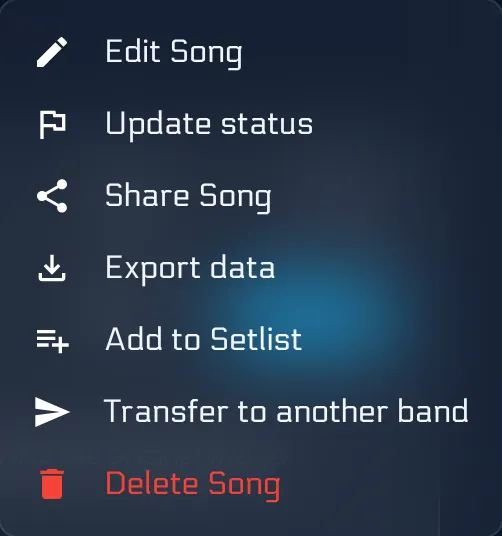
From the song overflow menu (⋯), pick Export data. Tick the categories you want and hit Export. Empty categories are greyed out so you do not download blank stubs by accident.
You get one .md file per selected category, named from the song title - for example:
price-of-life-comments.mdprice-of-life-mix-summaries.mdprice-of-life-activity.mdprice-of-life-mix-health.md
Comments keep author, open/resolved state, waveform timestamps, nested replies, and edit notes.
Mix summaries keep the generated summary bullets and unchecked action items - a punch list you can still work from offline.
Activity is a dated timeline of what happened on the song.
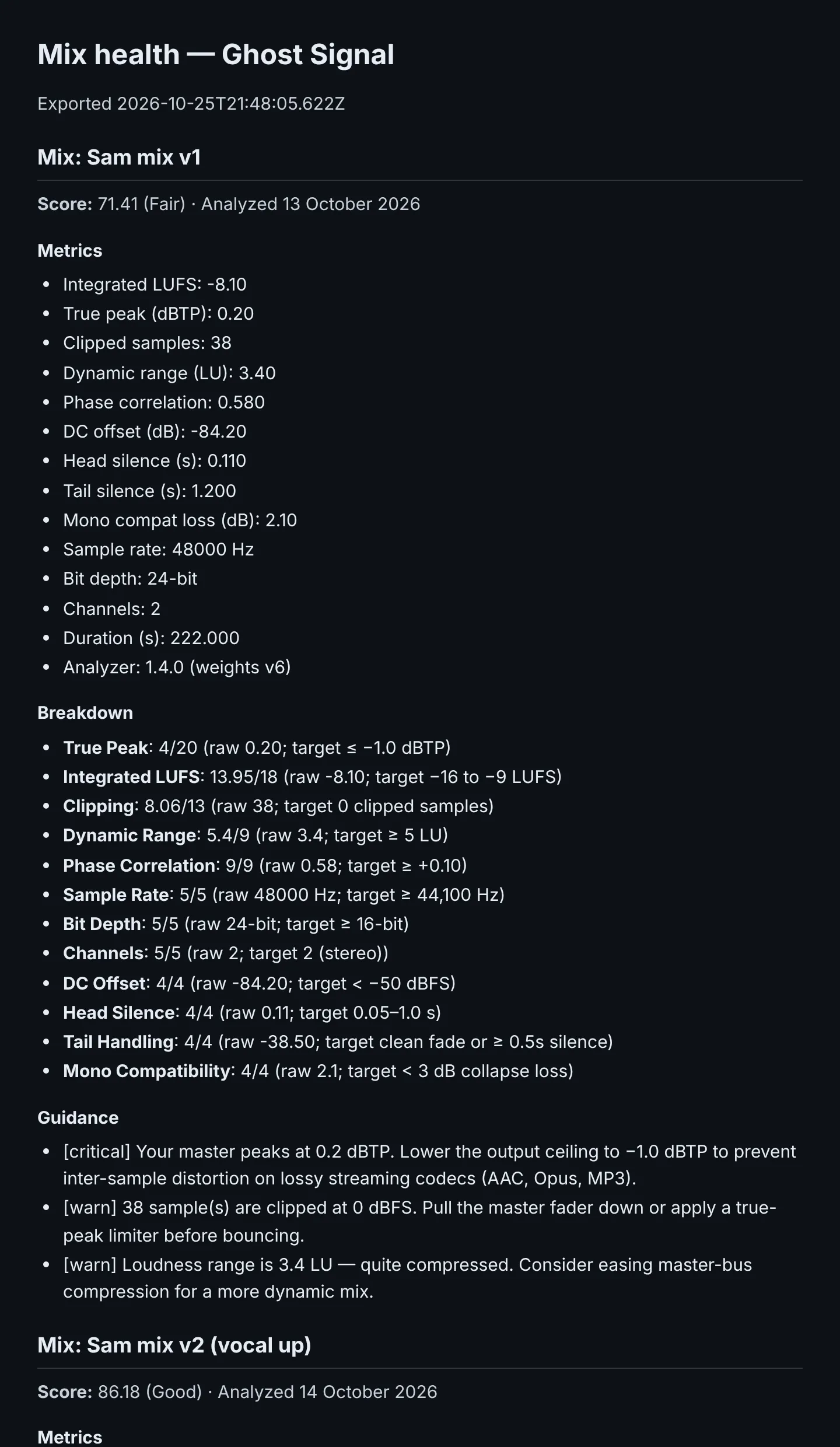
Mix health lists every analysed mix with score, label, meter readings (LUFS, true peak, clipping, and the rest), criterion breakdown, and guidance - the same story you see in the app, in a file you own.
Nothing is removed from BandVolt when you export. You are copying, not migrating.
Bulk download for the audio and files
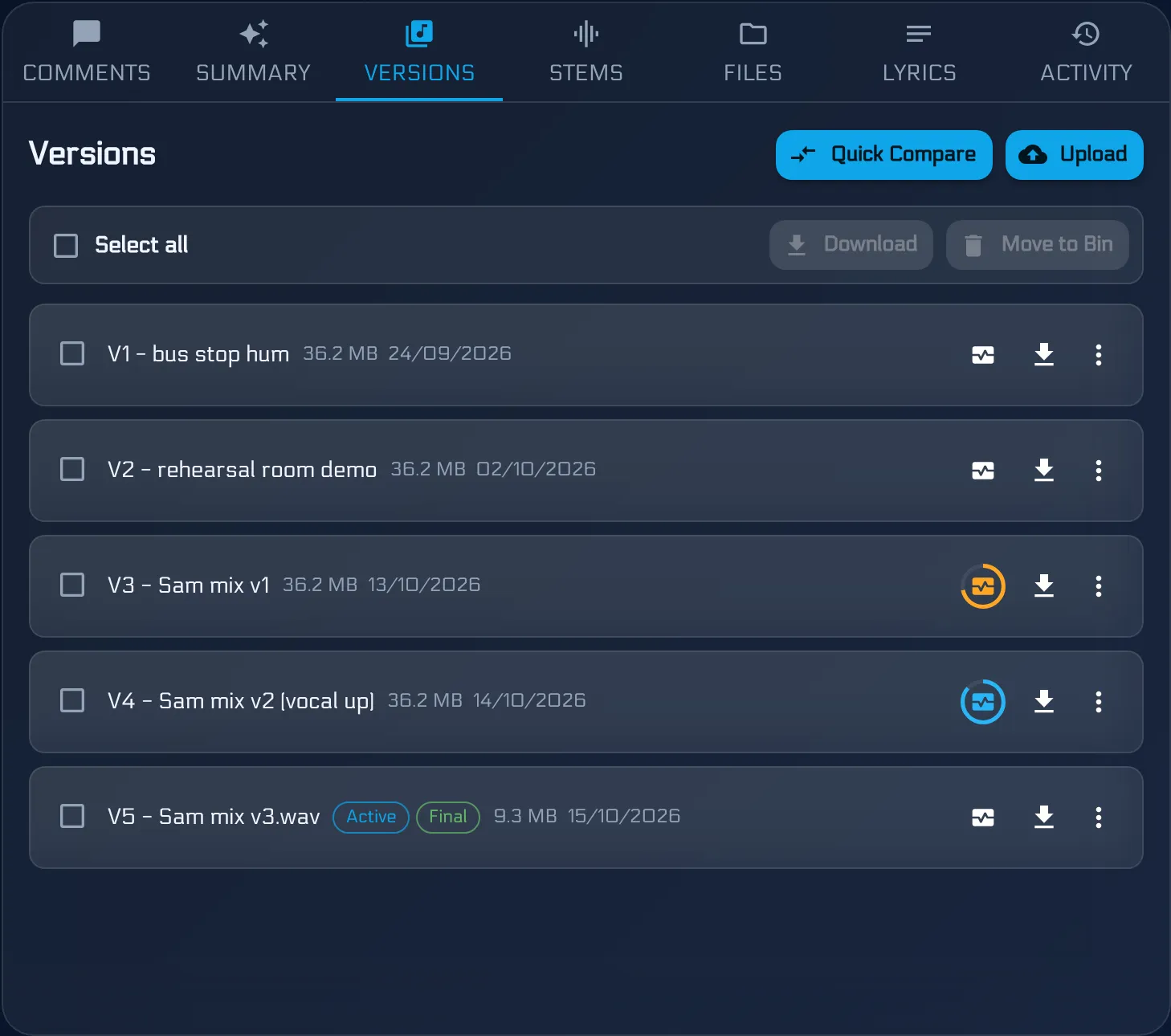
Export covers the written record. The media side is already on the Mixes, Stems, and Files tabs: use Select all, then Download, and BandVolt queues every selected file.
That is the pair that makes a real backup:
- Export data → Markdown history
- Select all → Download on mixes (and stems/files if you need them) → the audio and attachments
Drop both into a folder named after the song or the release. You now have something you can burn to a drive, sync to a NAS, or zip for a producer who still wants a local project folder.
Why Markdown, not a zip of mystery JSON
Markdown is boring on purpose. It opens in every editor, diffs cleanly in git, searches with grep, and still reads like a document five years from now. You do not need BandVolt running to understand who asked for a quieter vocal at 1:47.
If your band already keeps session notes in Obsidian, Notion, or a shared docs folder, these files drop straight in.
Who can use it
Export is available to band members and Contributors - the same people who can download mixes and see the activity timeline. Reviewers stay listen-and-comment only, so they do not get export or bulk file download. See Contributor and Reviewer roles for the full split.
Available on every tier. No Volts cost - you are reading data you already have.
Keep the workspace, keep a spare copy
BandVolt is still where the live band works: versions stay ordered, comments stay on the waveform, health checks stay one click away. Export and bulk download are the escape hatch - for archival, for peace of mind, and for the day you need a folder that does not depend on a login.
We store your audio at full quality and we intend to keep it. We also think you should be able to take a copy home without asking support for a data dump.
Open a song and export its data, or start free if you are new. For the feedback side of what you are archiving, see timestamped feedback that lands and Mix Health.
Frequently asked questions
What can I export from a song in BandVolt?
Four Markdown files - comments (with threads, timestamps, and resolved state), AI mix summaries and action items, the song activity timeline, and Mix Health analyses for every scored mix. Mixes, stems, and supporting files are separate - download those from their tabs with Select all.
Does exporting delete anything from BandVolt?
No. Export is a read-only download. Your song, mixes, comments, and scores stay in the workspace exactly as they were. You get copies on your machine.
Who can export song data?
Band members and Contributors. Reviewers cannot export, download files, or see the activity timeline - export follows the same gate as those capabilities.
What format are the exports?
Plain Markdown (.md) files named after the song - for example my-song-comments.md and my-song-mix-health.md. Open them in any text editor, Notes app, Obsidian vault, or drop them into a folder next to your WAVs.
How do I download every mix or stem at once?
Open the Mixes, Stems, or Files tab on the song, use Select all in the bulk bar, then Download. That is the audio and file side of an archive; Export data is the written history that sits next to it.
Topics: song data export · Markdown export · band backup · download mixes and stems · Mix Health export · product update