

How studio engineers and producers use BandVolt
Two workflows for mix engineers and producers - join a band that already uses BandVolt as a collaborator, or host the project in your own studio workspace and content-transfer it when the job is done.
By @KHeavy
BandVolt is a band tool. That is the point. It is also, without stretching the product, a serious workspace for mix engineers and producers - as long as you pick the right path for who owns the project.
There are two common situations. The client band already lives on BandVolt, or they do not. The workflows are different. The goal is the same: one place for versions, feedback, and A/B listening during the job, then a clean exit when the mix is done.
Path 1: the band already uses BandVolt
This is the easy one. They already have the songs, the stems, and the history. They invite you in as a collaborator.
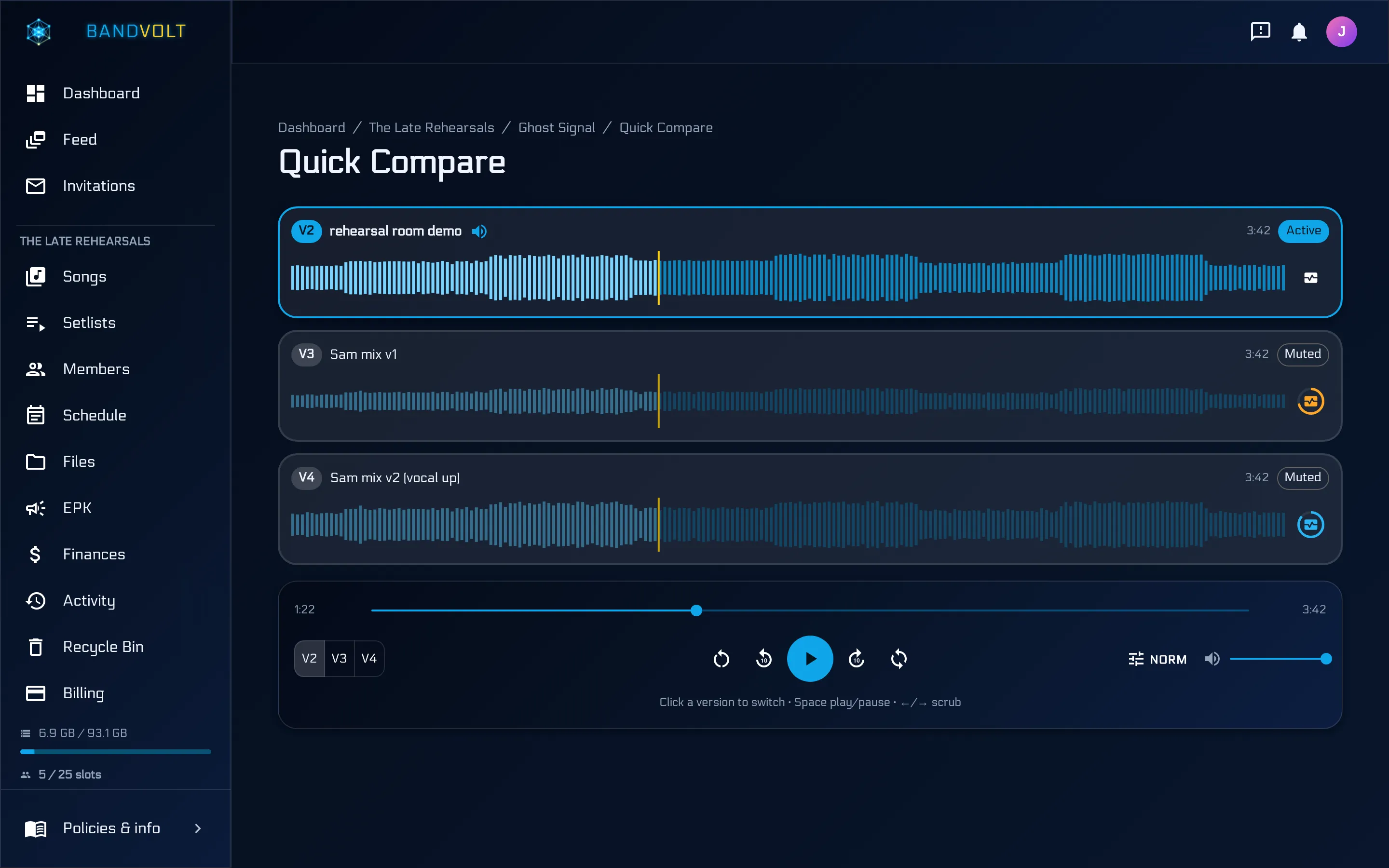
You do not need Premium of your own. You do not need storage of your own. Everything lives in their workspace and counts against their plan. You open the song, bounce new versions into the same history, leave and reply to timestamped comments, and run Quick Compare when you need to hear what actually changed between v3 and v4.
When the project is wrapped, they remove you as a collaborator. Access ends. No leftover Drive folder on your machine. No “which zip was final” email trail. The band keeps the full conversation attached to the music.
That is BandVolt as a band tool doing exactly what it was built for - with the engineer as temporary help inside a workspace that already belongs to the act.
Path 2: the band is not on BandVolt yet
Plenty of clients still live in WeTransfer links and group chats. You can still run the job properly without waiting for them to “get organised first.”
- Create your own band and treat it as a studio workspace. Client projects sit as songs and Album/EP collections the same way a band’s own material would.
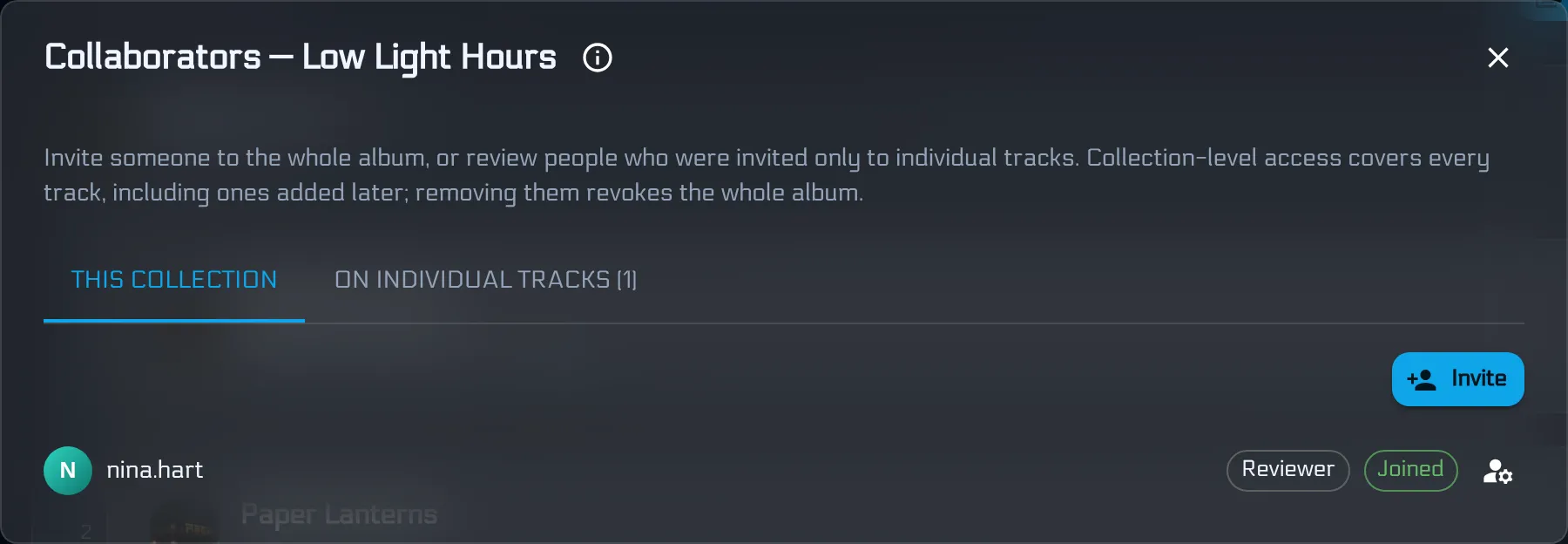
- Invite the musicians as external collaborators so they can hear the current mix, leave notes on the waveform, and stay in the loop without seeing every other client on your roster.
- Mix as usual: upload versions, resolve comments, A/B with Quick Compare, keep stems on the song.
- When they are ready for ownership, they create their own band (free Basic is enough to receive). You offer a content transfer.
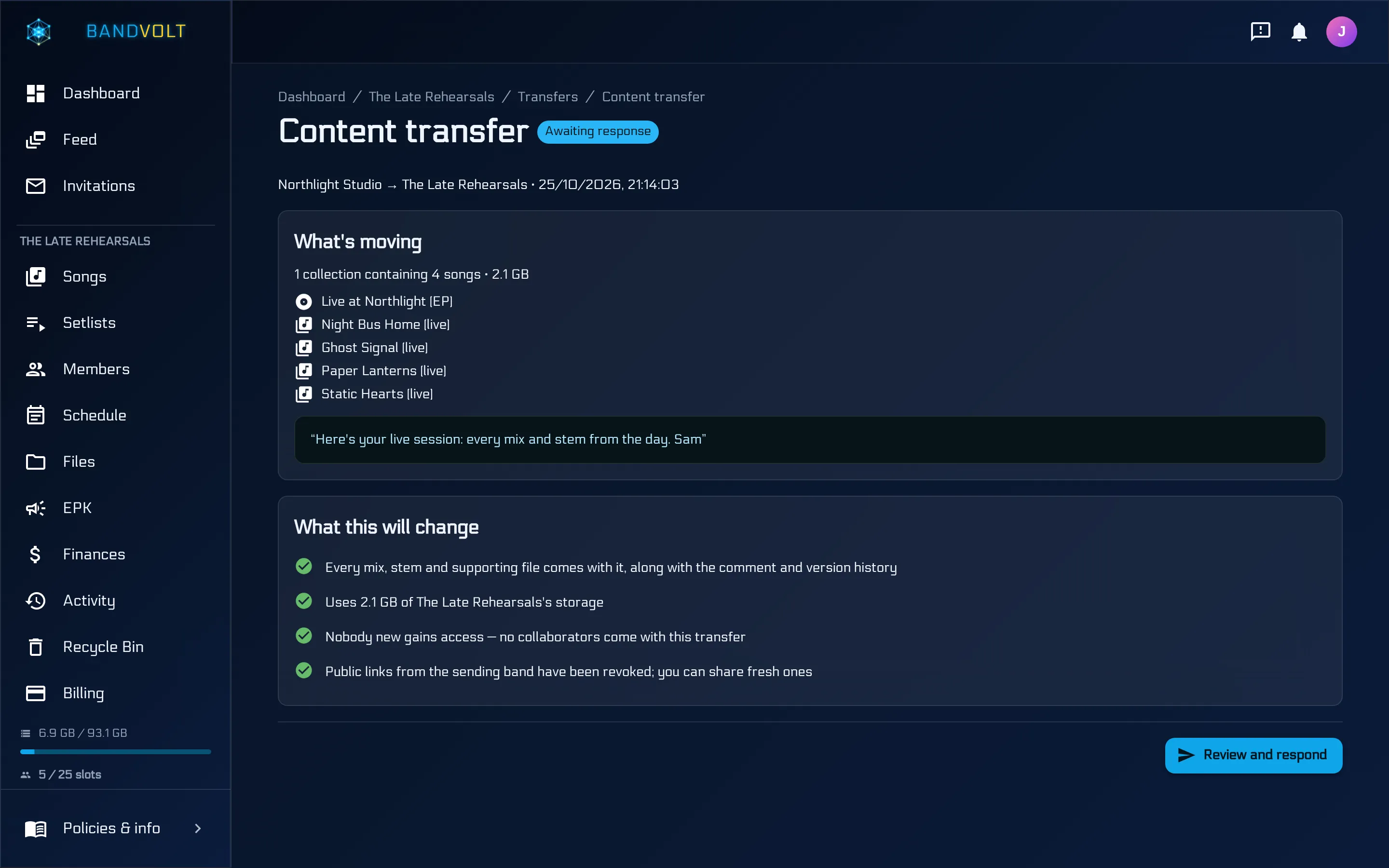
Acceptance moves the project into their library - mixes, stems, supporting files, and the full comment and version history. Your studio band loses access to that material the moment they accept, and the storage it used is freed back to you.
That last part matters more than it sounds. A busy engineer who keeps every finished album in their own account ends up with a bloated folder, storage pressure, and workspace slots tied up in jobs that should have left months ago. Content transfer is Premium on the sending side precisely because it is the commercial handoff tool - and the payoff is that finished work stops living in your allotment.
The receiving band does not need Premium. They need enough storage headroom and an Owner who accepts. You can tell a new client: sign up free, create a band, tell me the name - and I will send the record.
For a step-by-step revision loop with clients, see the mix revision workflow; for what to include at handover, the studio mix delivery checklist. For the delivery mechanics and how this compares to WeTransfer or FilePass, see content transfer for studio delivery and the side-by-side comparison.
Invite vs transfer - pick by ownership
| Situation | What to do |
|---|---|
| Band already owns the songs on BandVolt | They invite you as a collaborator; you leave when done |
| You are holding the project in your studio band | Run the mix there, then content transfer at delivery |
| They will want revisions after delivery | Transfer first, then they invite you back as a collaborator |
| One-off file to a stranger who will never collaborate | A plain transfer link may still be enough |
Rule of thumb, same as elsewhere in these posts: invite when they own the work; transfer when you do.
What you get either way
Whether you are a guest on their band or hosting in yours, the mix loop is the same product:
- Every bounce labelled and dated - no
final_FINAL_v3 - Feedback pinned to the second, not lost in chat
- Quick Compare at the same playhead, with loudness matching so level does not fake the winner
- Stems and supporting files on the song, not a separate Drive maze
- A clear end state: remove the collaborator, or transfer the project and free your storage
A band tool that does not leave the studio behind
BandVolt exists so bands can rehearse, review, and ship without stitching five apps together. Engineers fit because the hard parts of studio collaboration - shared listening, version truth, and a real handoff - are the same problems. Path 1 keeps you light: no Premium, no storage, in and out. Path 2 lets you onboard a client onto the platform during the job and leave them with their own workspace when you deliver.
Start free, or go Premium when you are ready to host and transfer.
Frequently asked questions
Can a mix engineer use BandVolt without paying for Premium?
Yes, when the client band already has BandVolt and invites you in. You work inside their workspace - comments, versions, Quick Compare, the lot - and their storage covers the files. You do not need your own Premium plan or your own storage for that job. Premium matters when you host the project in your studio band and need external collaborators or content transfer to deliver.
What if the band is not on BandVolt yet?
Create your own band as a studio workspace, run the mix there, and invite the band as external collaborators so they can review and comment during the job. When it is wrapped, offer a content transfer into their new band. They can receive on free Basic if they have enough storage; only your sending band needs Premium to offer the transfer.
When should I join their band vs host in my studio workspace?
Join theirs when they already own the material on BandVolt - you are temporary help on their project. Host in yours when you are starting or holding the work and will hand ownership over at delivery. Rule of thumb - invite when they own it; transfer when you do.
Does content transfer free my studio storage?
Yes. When the client Owner accepts, the song or album leaves your workspace - mixes, stems, supporting files, and history included - and the storage those files used is freed on your side. Collaborators do not travel with the transfer, so your workspace slot allotment is not left bloated with finished client projects.
Can engineers use Quick Compare and timestamped comments?
Yes. Whether you are a collaborator on their band or hosting in your studio band, the song page has version history, timestamped feedback, and Quick Compare for A/B listening at the same playback position - including loudness matching so the louder bounce does not win by default.
Topics: mix engineer tools · producer workflow · studio collaboration · external collaborators · content transfer · A/B mix comparison · send mixes to client